
How to Sell Digital Products Online With Payhip (Step-by-Step)
A practical, step-by-step guide to launching your digital product business using Payhip. From account setup to your first sale, everything you need to get started.
Dragos

Page 19 of 35 — Tested DevOps tutorials, programming guides, and self-hosted tools
A practical, step-by-step guide to launching your digital product business using Payhip. From account setup to your first sale, everything you need to get started.

Real pricing breakdowns for Bunny Storage, AWS S3, and Backblaze B2. I compare storage costs, egress fees, and hidden charges so you can pick the cheapest option for your workload.

A step-by-step guide to hosting your own videos with Bunny Stream. I use it for my free courses on bitbuddies.me and it costs a fraction of what Vimeo charges.
Learn how to connect your Hermes agent to free models on the Nous Research Portal — currently Step 3.5 Flash (10 days free). Step-by-step setup, Discord integration, and Hermes Workspace dashboard walkthrough. Originally covering MIMO V2 Pro.
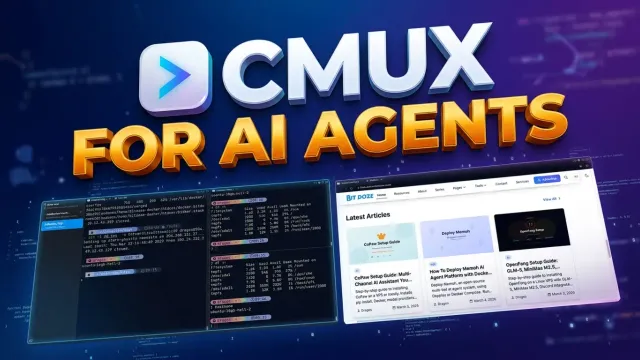
Learn what cmux is, how it relates to Ghostty and tmux, and why its browser, notifications, and automation CLI make it interesting for AI-agent workflows.
Step-by-step guide to installing CoPaw on a VPS or locally. Covers pip install, Docker, model providers, channels like DingTalk, Discord and Telegram, skills, memory, and scheduled tasks.
Deploy Memoh, an open-source multi-bot AI agent system, using Dokploy or Docker Compose. Run isolated AI bots with persistent memory, MCP tool support, and multi-platform channels.
Step-by-step guide to installing OpenFang on a Linux VPS with GLM-5, MiniMax M2.5, Discord integration, autonomous Hands, and 16 security layers. Covers config.toml, providers, channels, and Docker deployment.
The default WooCommerce product editor is slow and clunky. Learn how I built an open-source React dashboard for managing WooCommerce products and how to deploy it with Docker.
A practical guide on migrating from WordPress to Astro with MDX. Learn how I moved wpdoze.com to bitdoze.com using wordpress-export-to-markdown, Codex CLI, and image optimization.